
Straight to the Point…
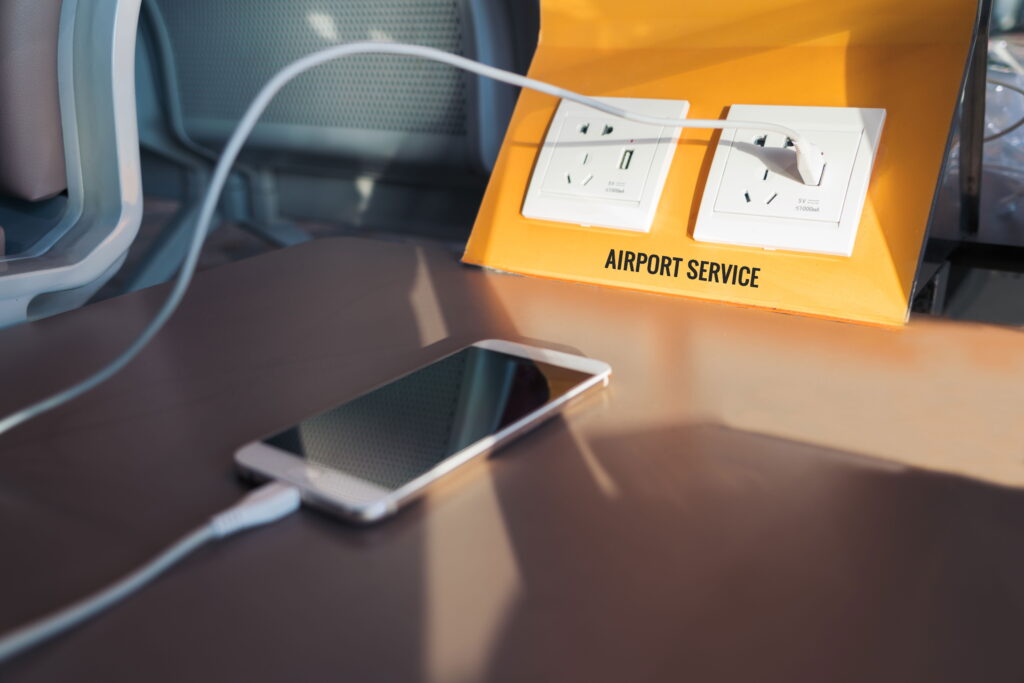
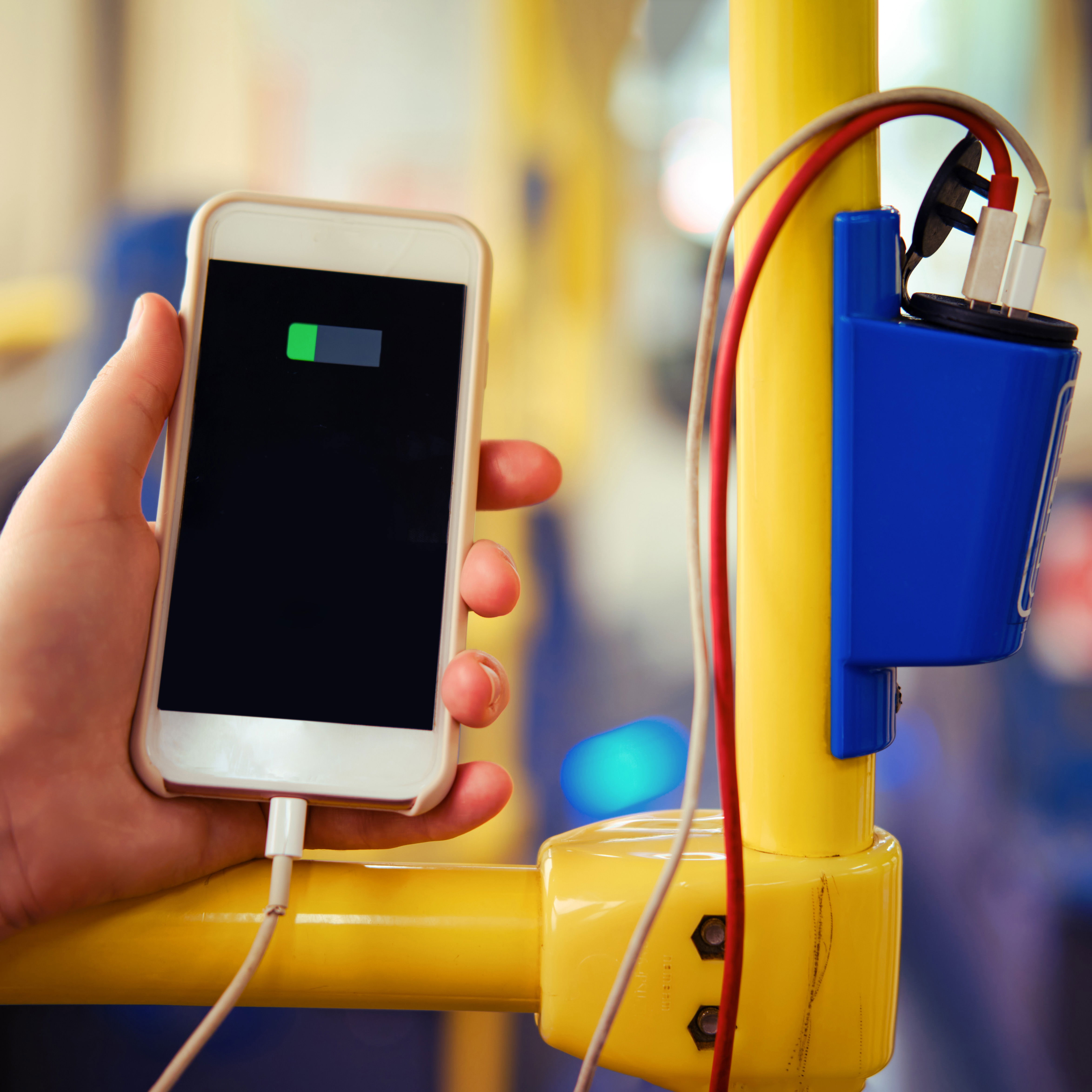
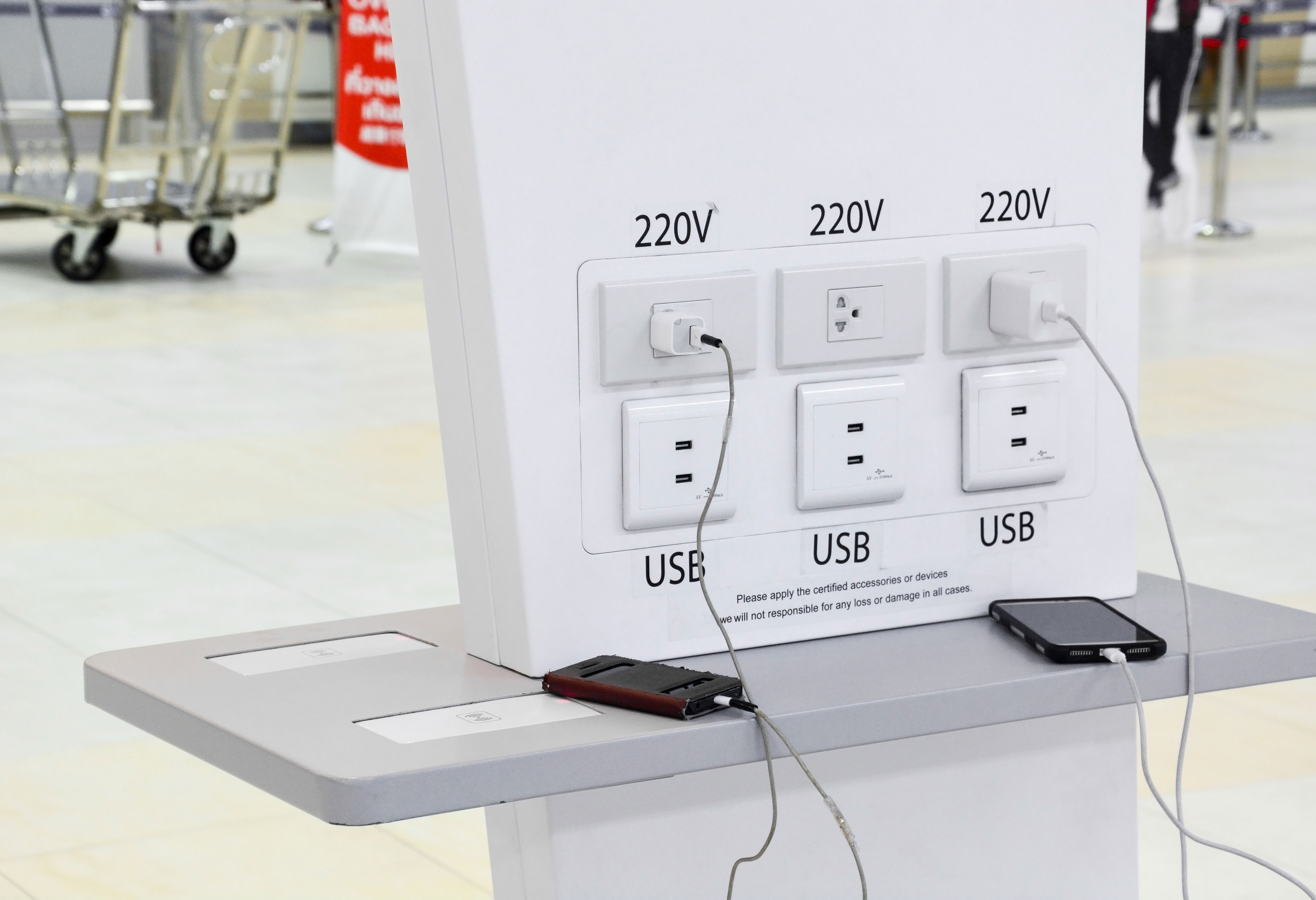
Many airports, coffee shops, hotels, and even buses, offer free USB charging stations to charge your devices while on the go. Most of these are safe and convenient. However, while it is rare, it is possible that those USB ports have been compromised, and a hacker is trying to steal your data. This type of scam is known as “juice jacking.” What exactly is juice jacking, how prevalent is it, and how can you protect your private data?
Now, on the information you need…
Juice jacking combines the terms “juicing” (charging up your phone) and “hi-jacking” to create the term used to describe how hackers might gain access to your data through connecting your device to a USB port. Hackers can access your data in a few ways. One is by replacing a USB port with a copy-cat port that has been programmed to steal your data. Another is by tampering with the cables that connect the USB port. A third is by leaving a cable plugged into a public USB port that you might find (Yay! Free cable!) and use to charge your device.
Before we go any farther, it is important to recognize that juice jacking is extremely rare, and very few actual cases of using this tactic to steal private data have ever been reported or proven. If you do some research on this, as I did before I wrote this article, you will find lots of conflicting information from computer experts, programmers, reporters, and the FBI. The overall general consensus is that while it is theoretically possible, it is not at all probable. This is due to many factors including differing devices and technologies, malware protection on phones, time, money, and the unrealistically high number of randomly tampered ports it would take to make the practice worthwhile. Here is a link from the FCC to support how small of a risk this actually is. Anyhoo…
How does juice jacking work?
USB ports and cables are designed to do two things: provide power to charge your device, and transfer data by sending files, software updates, or other information. If a hacker has tampered with a public USB port, and you use that port to charge your device, you could unknowingly exchange data with the compromised port. This could potentially allow a scammer to install malware on your device, steal data such as contacts, photos, or passwords, or take control of your phone remotely. To the average user, these charging stations or USB ports look completely normal. However, once compromised, the port becomes a hidden pathway for hackers to gain access to your personal information.
Are all USB cables at risk?
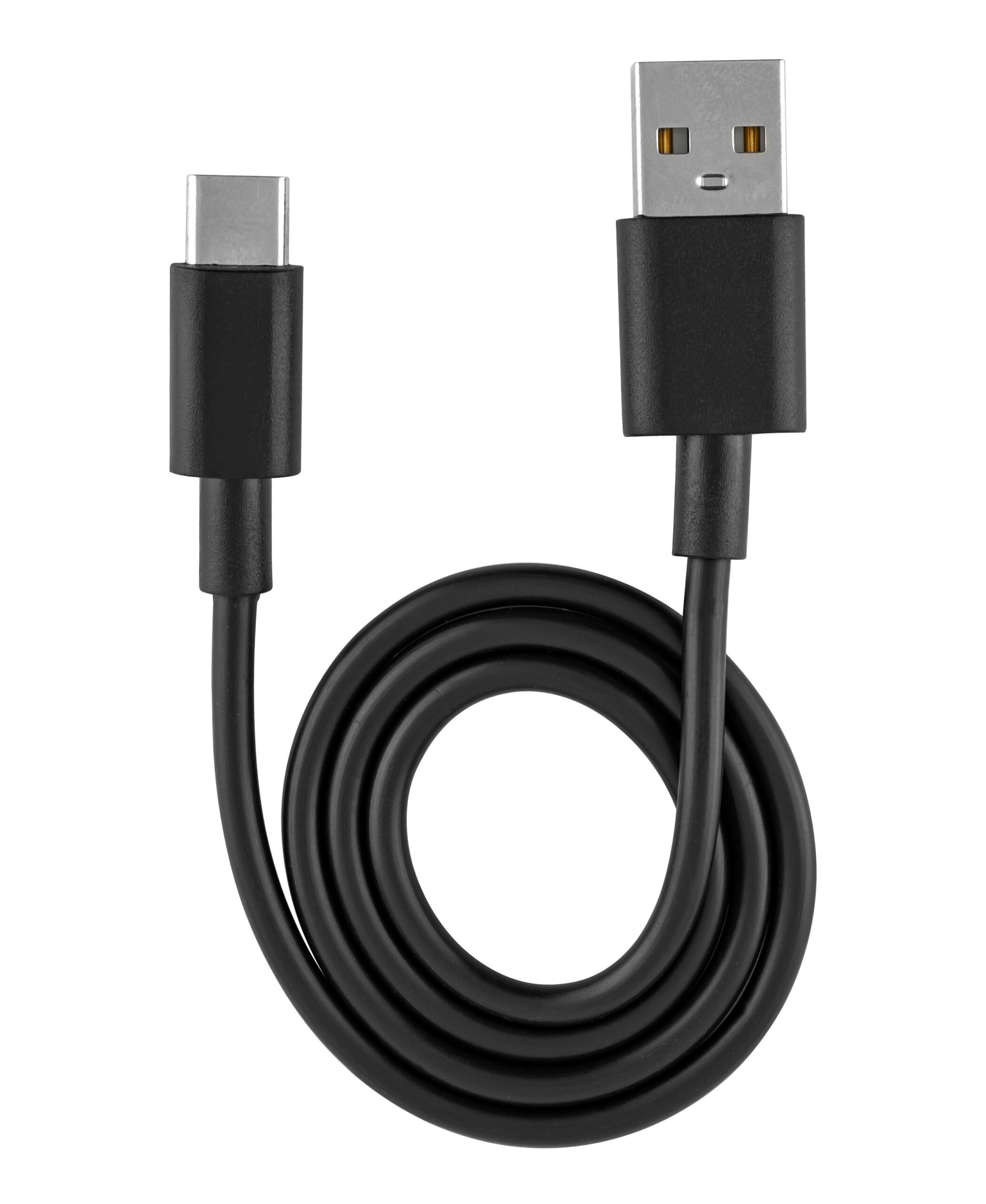
Not all USB cables are the same. USB data cables, which are the standard cables that come with most devices, can transfer data between devices (for moving photos to a computer, for example), and can also charge your device. This kind of cable can potentially be exploited by scammers when using a public USB charging port or station.
USB charging cables, (sometimes called a “power-only” or “charge-only” cable), can only transfer power but cannot transfer data. These would be a safer option to use in public places because they block data exchange. If you’re not sure which type of cable you have, assume it’s a data cable, as most cables sold with new devices allow both charging and data transfer. If your device uses a USB-C cable (as my iPhone 16 Pro Max does), this type if cable can transfer both data and power.
There is a world of information available on USB cables that is beyond the purview of my brain or this article. There are also ways to tell if your cable is data and charging, or charging only, but the information is vast and technical. Suffice it to say that if you are interested, here is a link to more info than you will ever need to know as a casual traveler.
How can you avoid possible juice jacking?
Again, the risk of juice jacking is incredibly low, but here are some ways to keep your personal information safe.
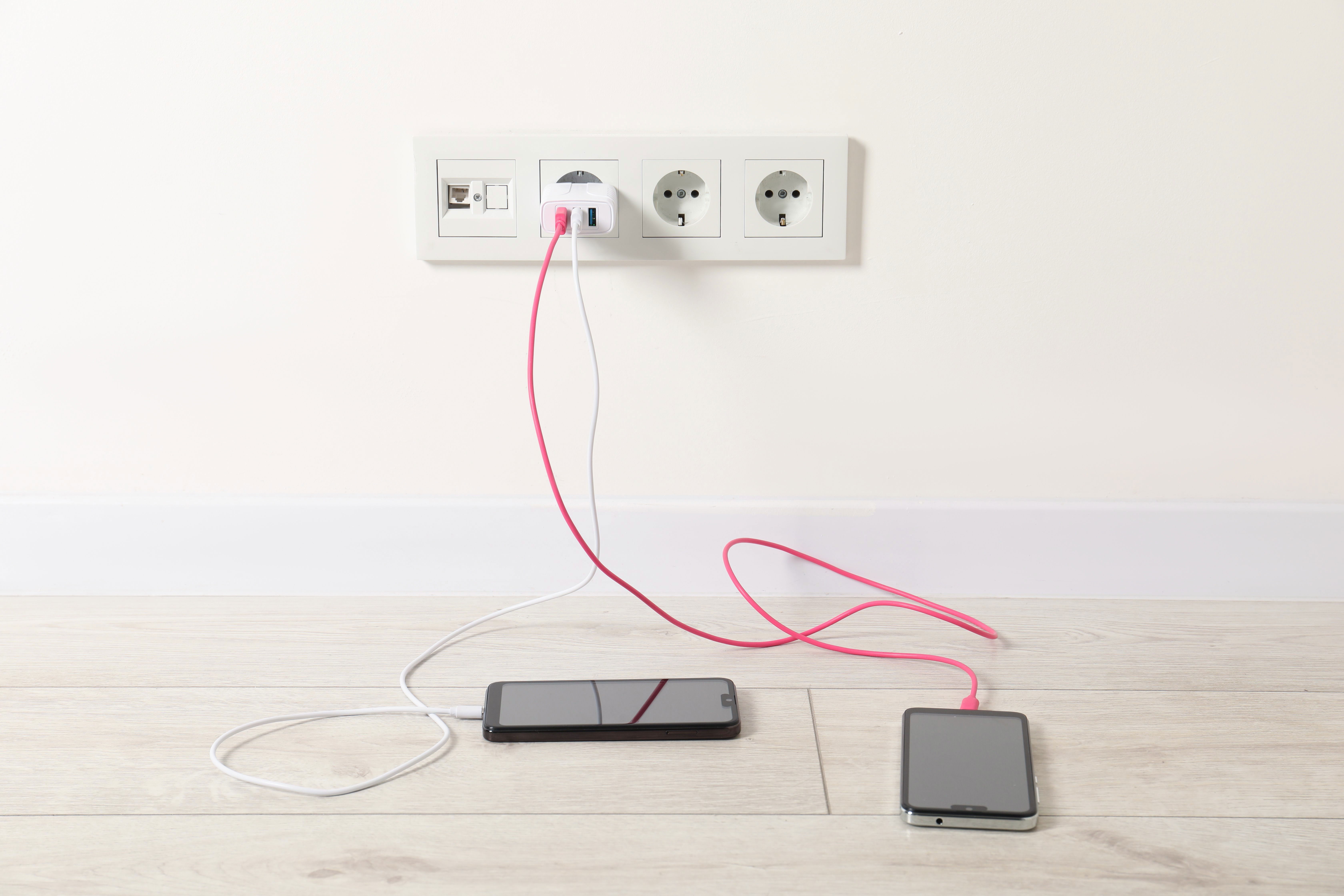
- Use your own charging brick. This is the square device that came with your phone and cord. Plug this directly into the electrical outlet to charge your device. This is safer than using a public USB port.
- Carry a portable power bank. This ensures you can recharge without relying on public stations.
- Use a charging only cable. These cables can only transfer power.
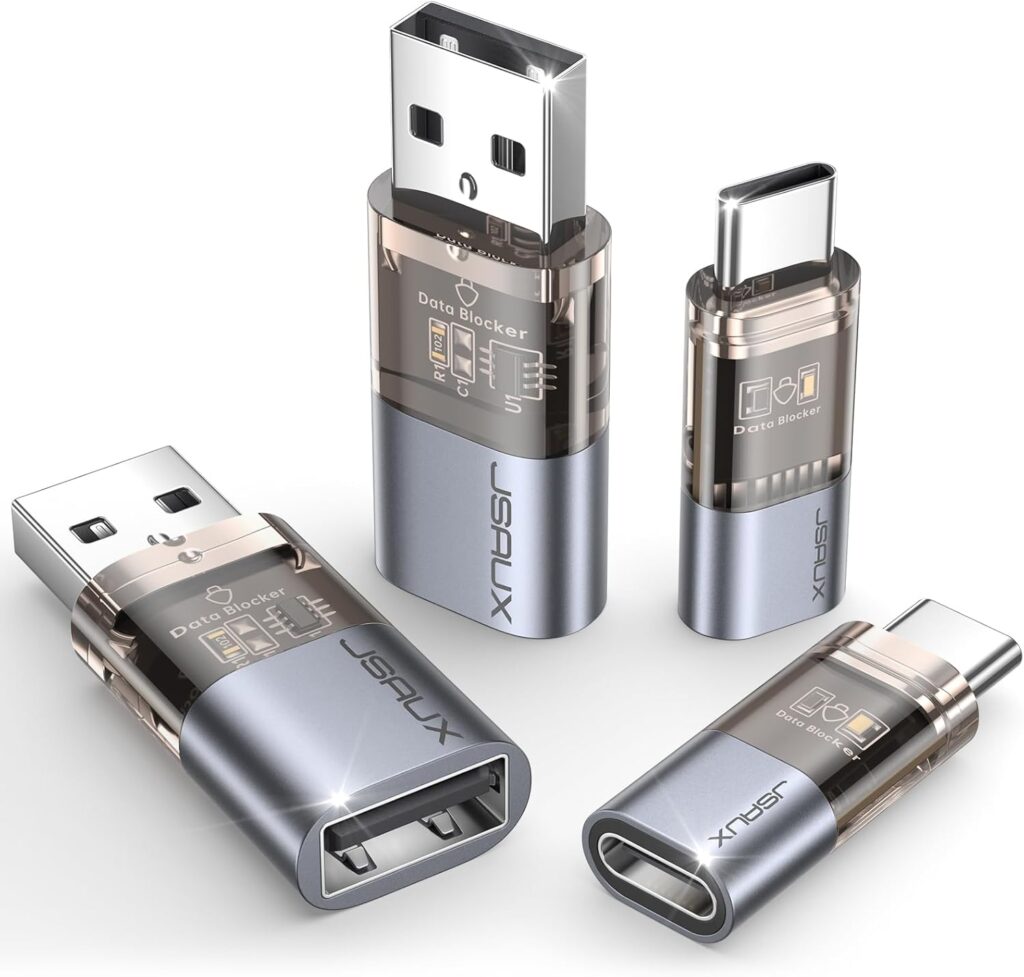
- Use a USB data blocker device. These small widely available adapters let you charge safely by blocking the data pins inside a USB connector.
- Avoid unknown or free cables. Scammers sometimes leave “free” cables in public places, as mentioned above. Never use these if you find them (Boo! Free cable!)
- Let your phone help you. Modern devices are programmed to recognize potential data transfer from an unknown source. Your phone will likely prompt you before allowing a data transfer. You will see a pop up on your screen that may say “trust this computer” or “trust this device” or “charge only” and you can choose accordingly.
Summary
Juice jacking is an extremely rare scamming tactic that has been proven to be possible, but not at all likely. Public USB ports could potentially be compromised, putting your data and safety at risk. To mitigate this very low risk, carry your own power bank or charging brick to use in public places.